

Create Integrations App
1
Log into GO1
Log into your GO1 account.
2
Navigate to Integrations
Click on your profile tab in the top right corner.Select 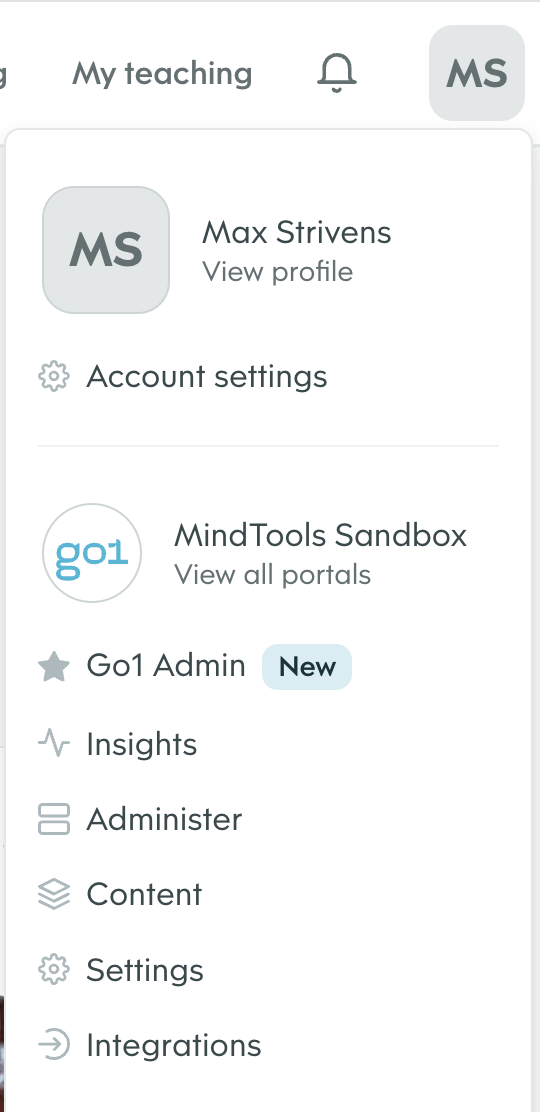
Integrations from the dropdown menu.3
Navigate to Developers Tab
From the 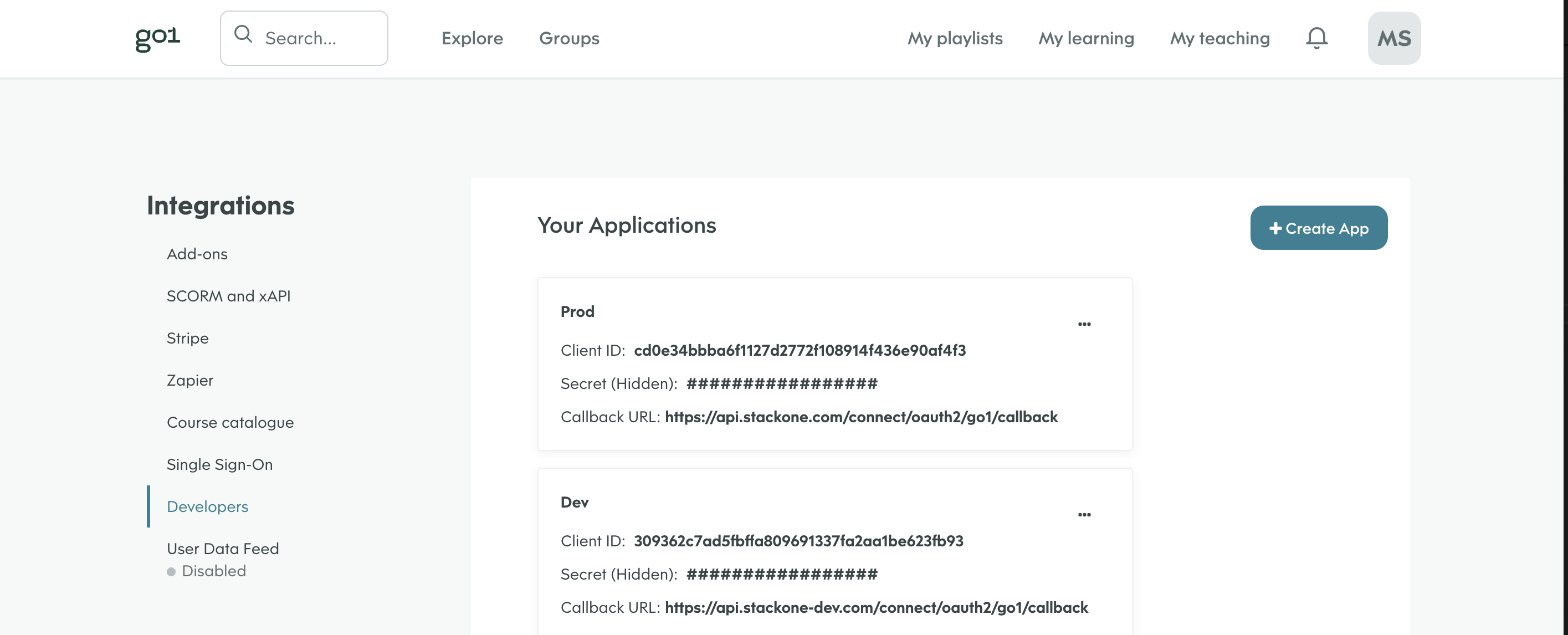
Integrations menu on the left of the screen select Developers.4
Create a New App
Click 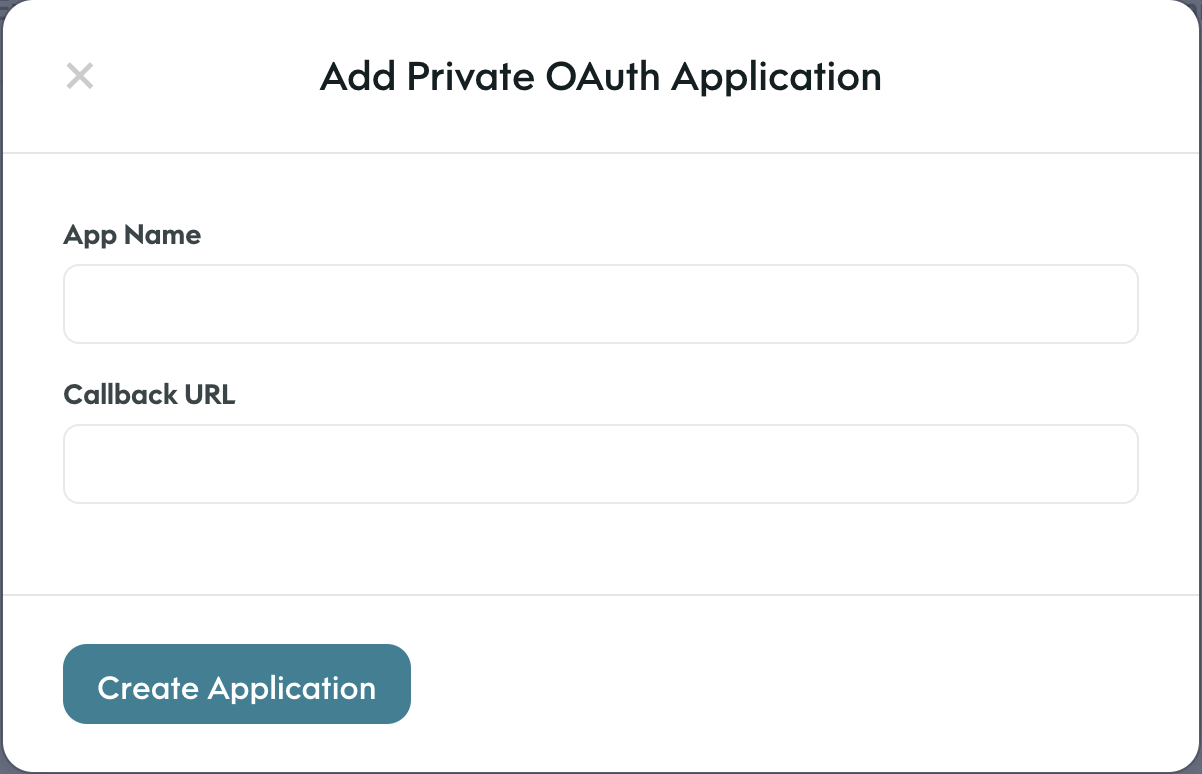
Create App in the top right.Enter the name of the app (e.g. Production, Development)Enter the callback URL (e.g. Production: https://api.stackone.com/connect/oauth2/go1/callback)Production: https://api.stackone.com/connect/oauth2/go1/callbackClick Create Application5
Note the Client ID and Secret
Record the 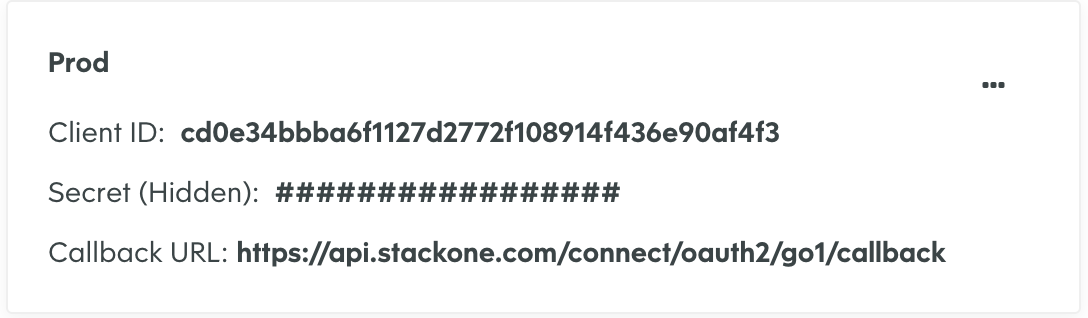
Client ID and Client Secret for use in the next steps.6
Find domain
You can find the domain by taking the root URL from the address bar of your GO1 account and only taking the part before my.go1.com. and after the https://.E.g. If your url is
https://my-domain.go1.com the domain is my-domainLinking your Account
1
Link Go1 Account
In the modal enter the
Client ID and Client Secret from the previous step.Add relevant Application Scopes required for your integration and the Domain for the GO1 account you want to link.E.g. account:read, lo:read, portal:read, user:write, enrollment:writeAdd the domain for the GO1 account you want to link.Click Connect.2
Enter Log in details
In the GO1 pop up modal enter your GO1 username and password.
Content Visibility (Pulling Content from Go1)
In order to give you control over managing what content will be available to your users you can curate the content via Go1Admin. This is a centralised way to manage which content will be made available to your users in the third party LMS/LXP.1
Configure Parent Portal ID
To enable this integration to work you will need to work with your Go1 support to configure the parent portal ID to the ID of your integration partner.This will ensure you are able to curate your library as an opt-in for content rather than an opt-out.
2
Access GO1 Admin
Once the parent portal ID is configured, you can manage content visibility through GO1 Admin.GO1 Admin